Datorium_AI_Logo
HomeFor SchoolsPricingReviewsTrust CenterTutorials
Log in
Log in
HomeFor SchoolsPricingReviewsTrust CenterTutorials
Datorium.AI
"Riga International Tuition Centre" SIAhello@datorium.eu

Product

  • How It Works
  • Tutorials
  • Pricing
  • For Schools
  • FAQ

Legal

  • Trust Centre
  • Privacy policy
  • Terms of service

Account

  • Start Free Now
  • Log in

© 2026 All Rights Reserved.

Privacy Policy

Tutorials

1:03
Start here
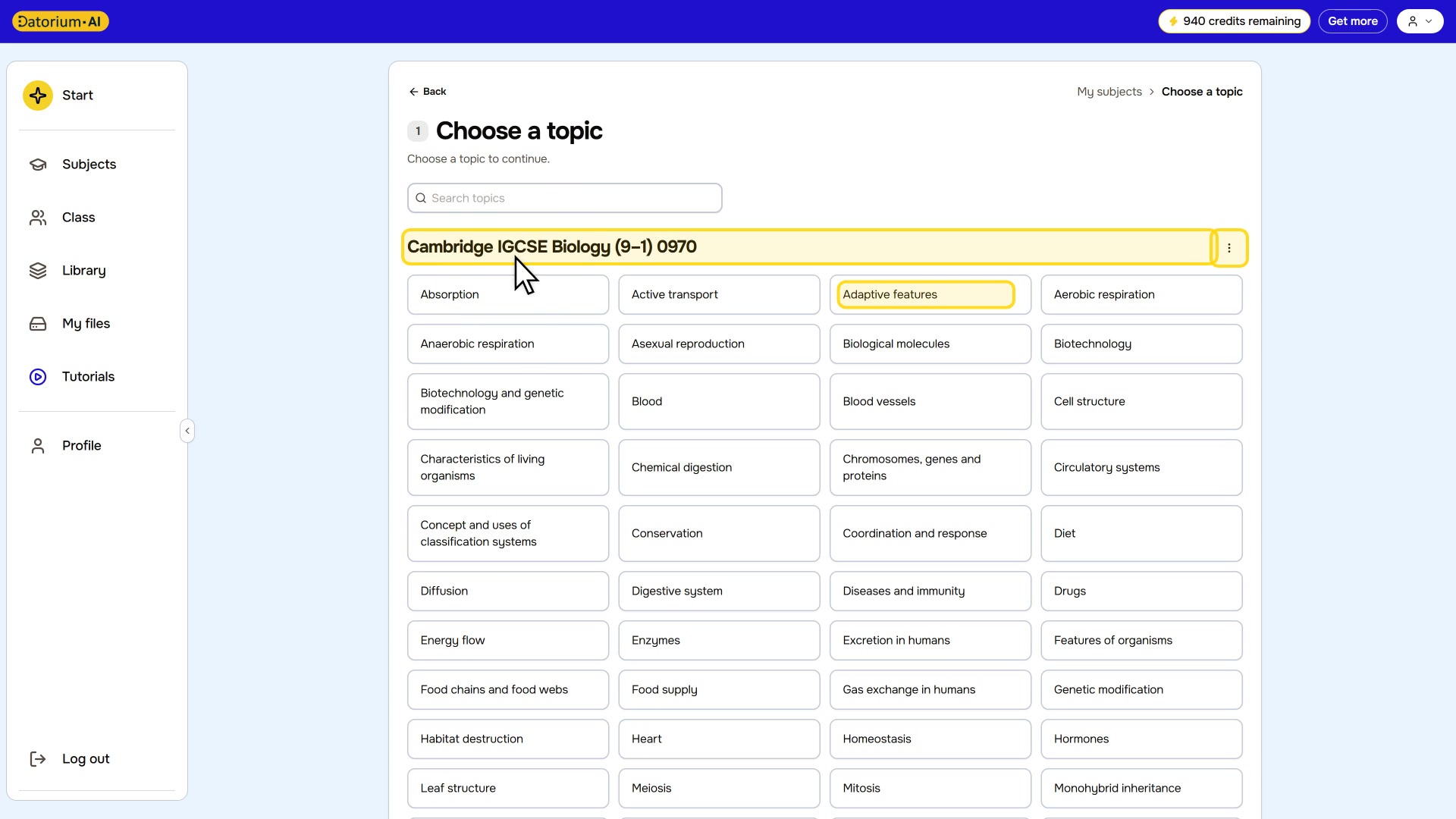
Choose your subjects

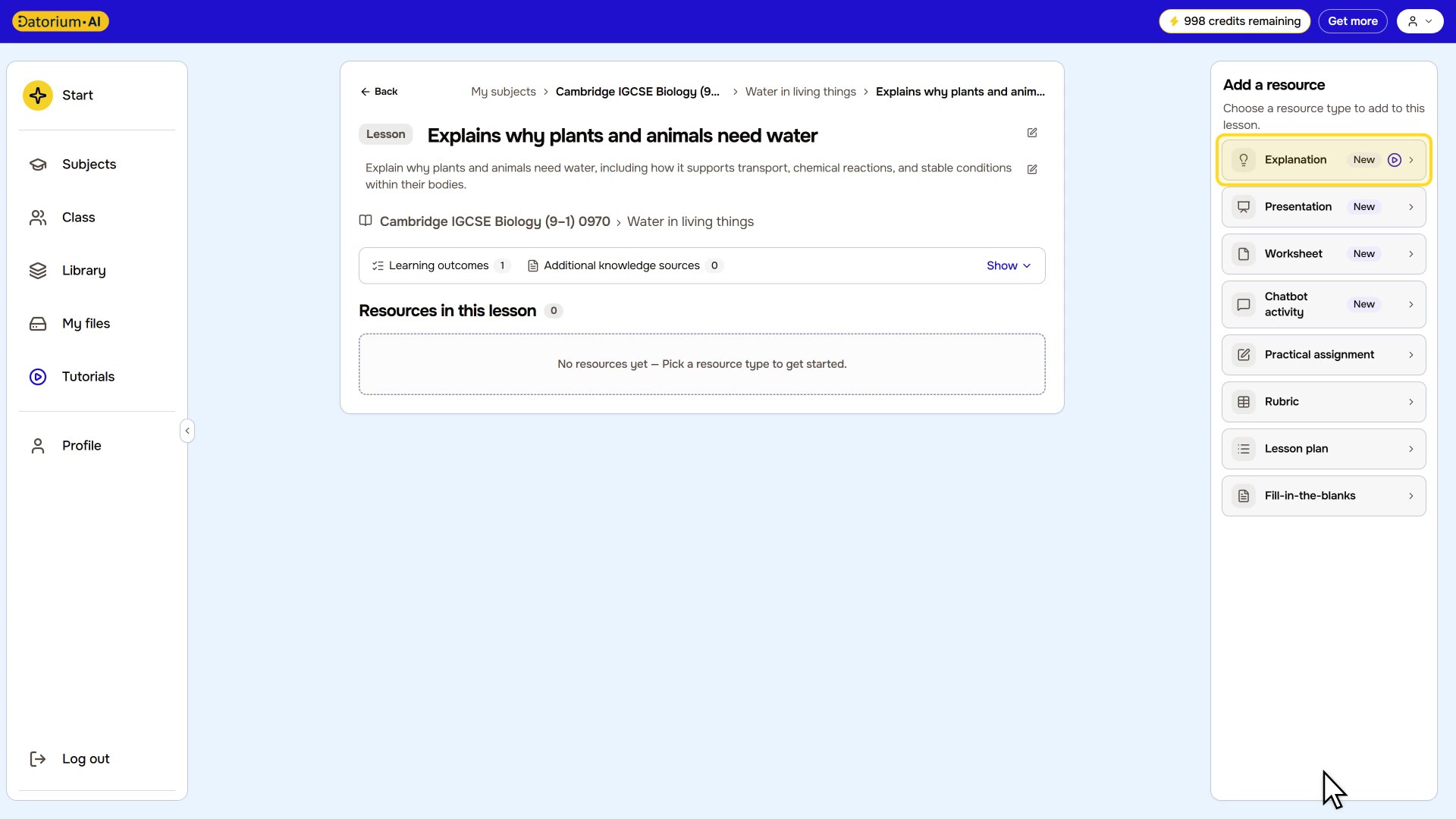
In this tutorial, you’ll learn how to choose your curriculum, grades, and subjects so you see the right topics when you plan a lesson.
Getting started (3 tutorials)

1:03
Choose your subjects
1:18
Create your first lesson and resource
0:35
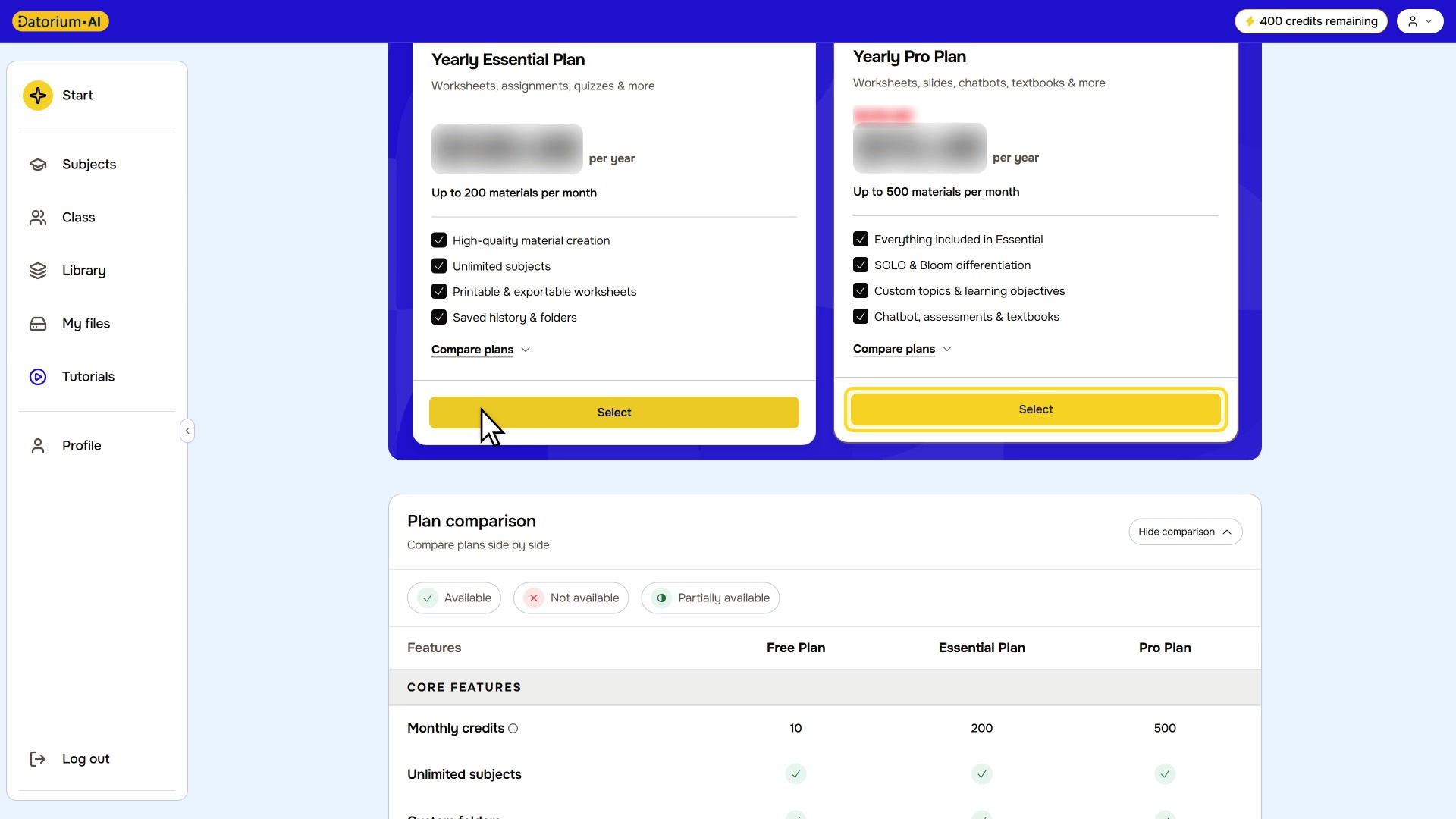
Choose a plan

Account and profile (2 tutorials)

0:42
Activate a licence code from your school
0:34
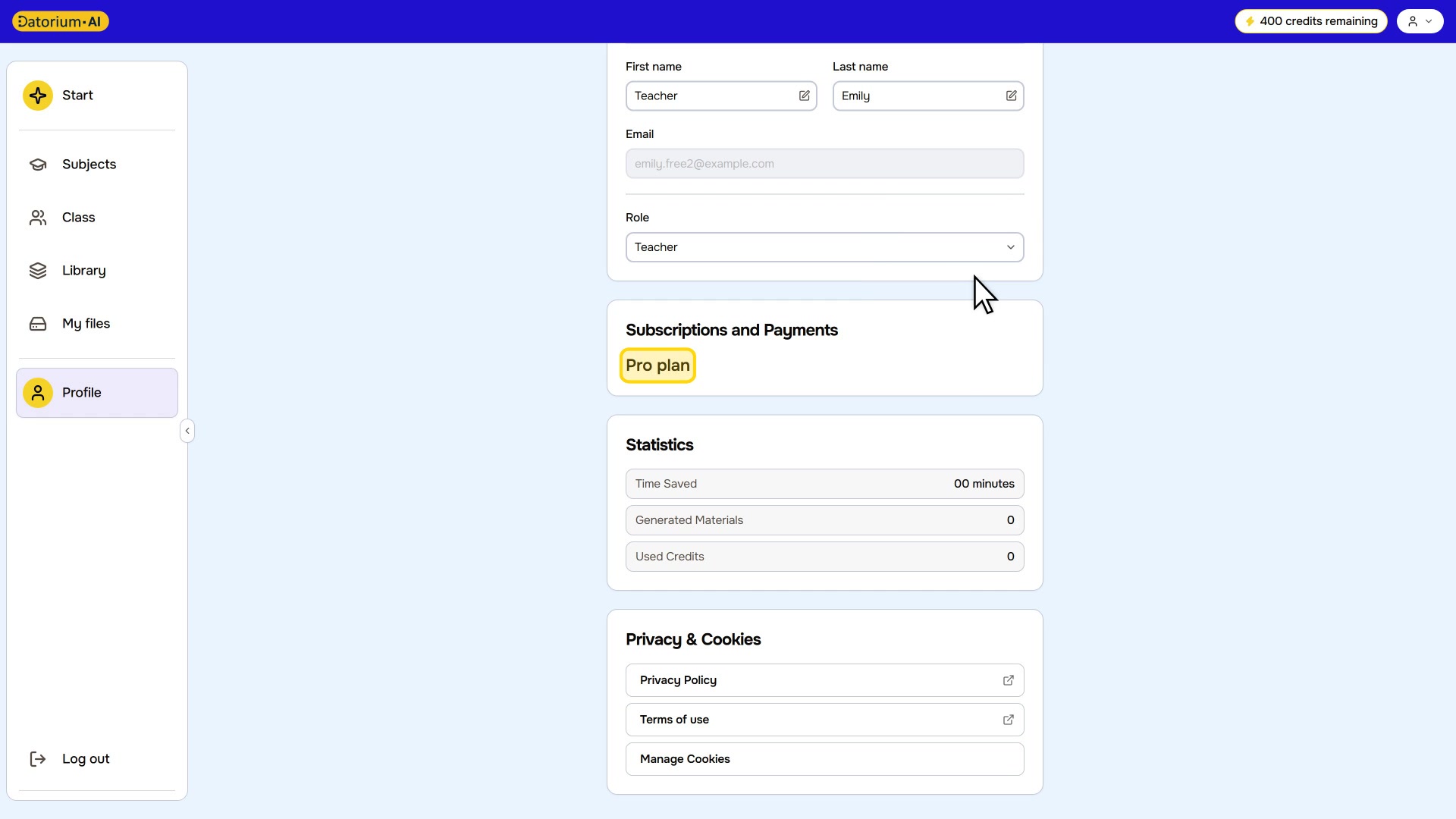
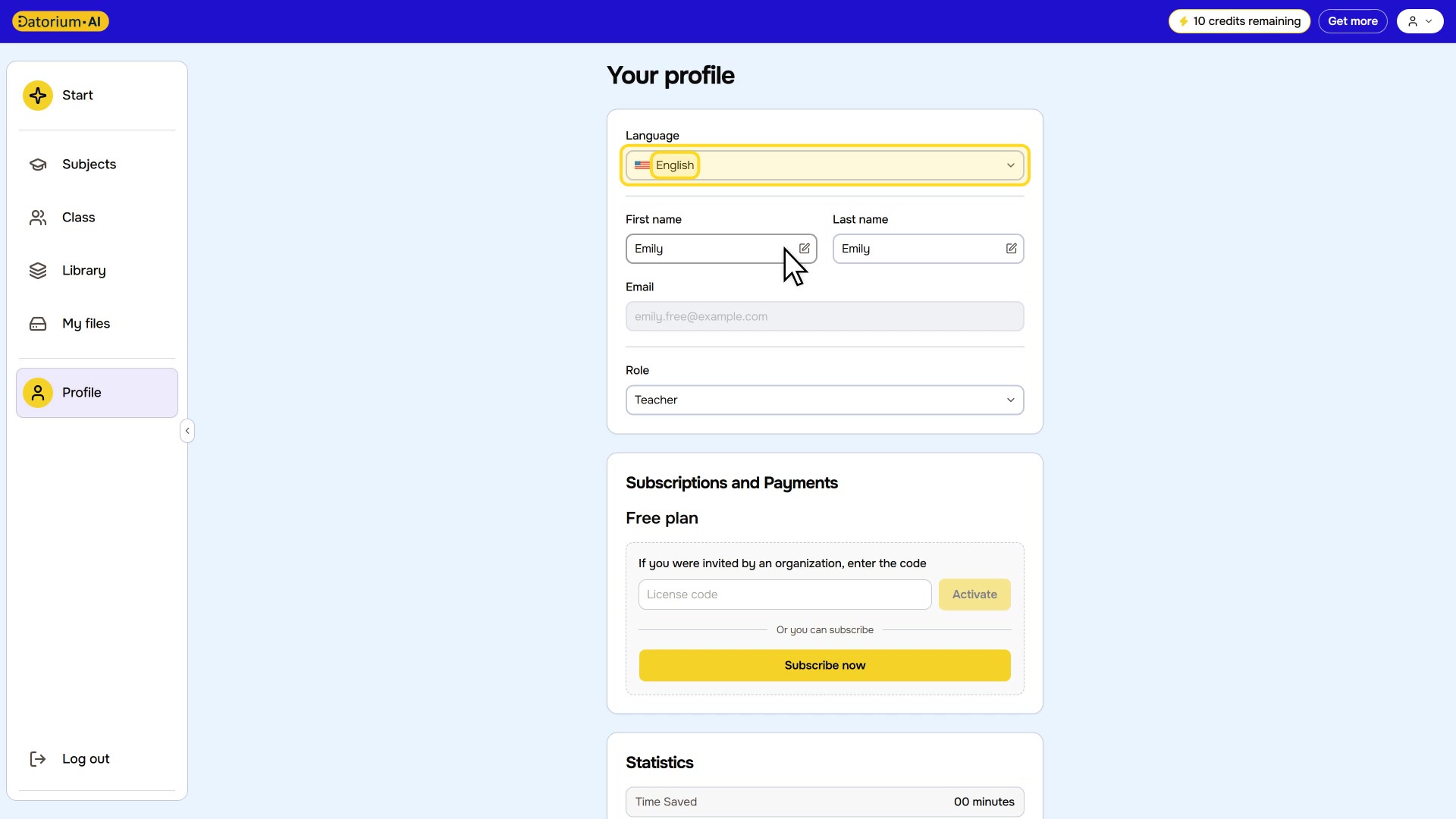
Change your name and the app language

Subjects and topics (1 tutorial)

2:02
Create your own topic and its learning outcomes

Your own files (1 tutorial)

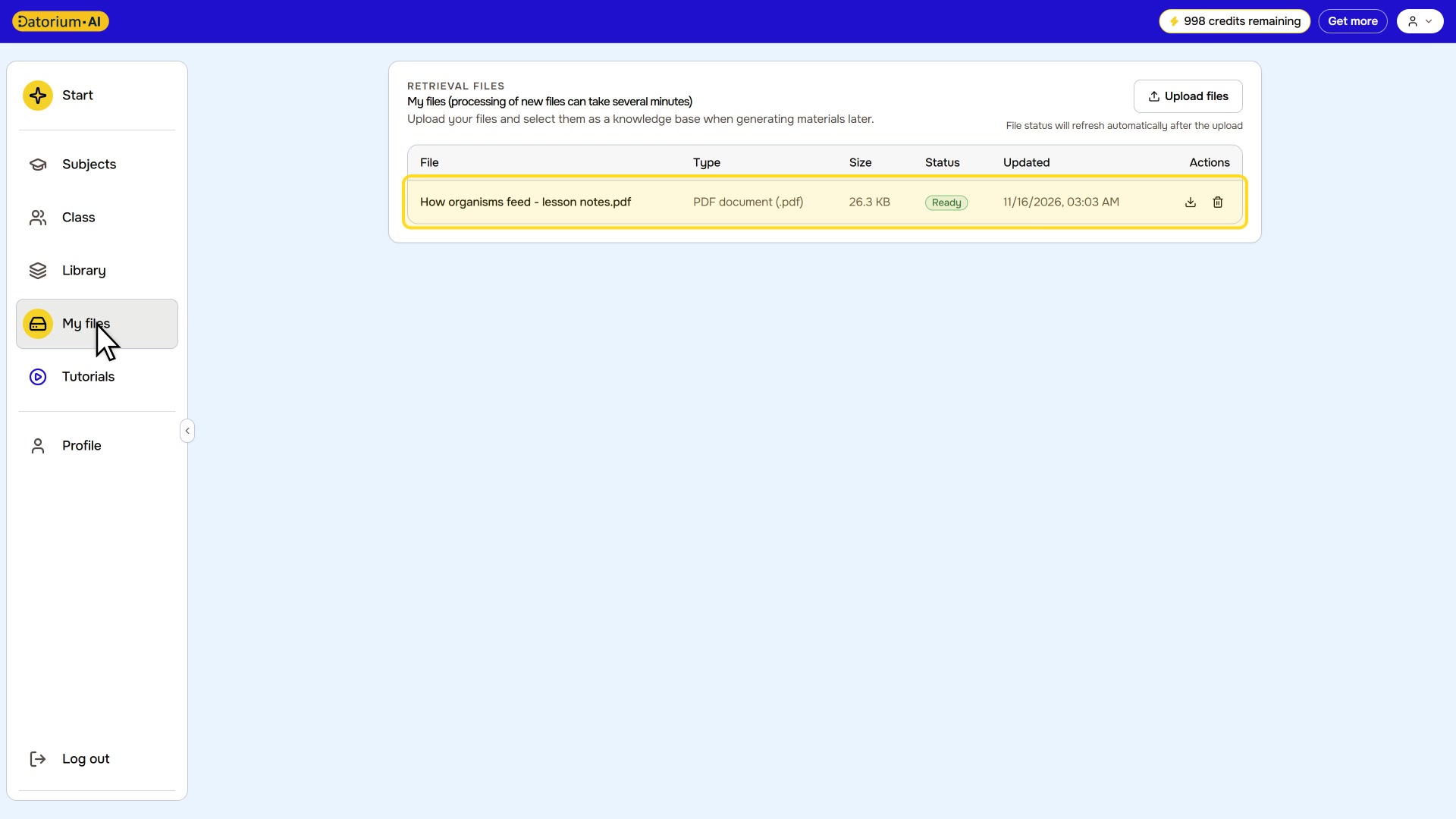
1:09
Generate a resource from your own files

Creating resources (2 tutorials)

1:07
Create a lesson plan
1:49
Create a presentation to edit and show in class

Editing resources (4 tutorials)

1:16
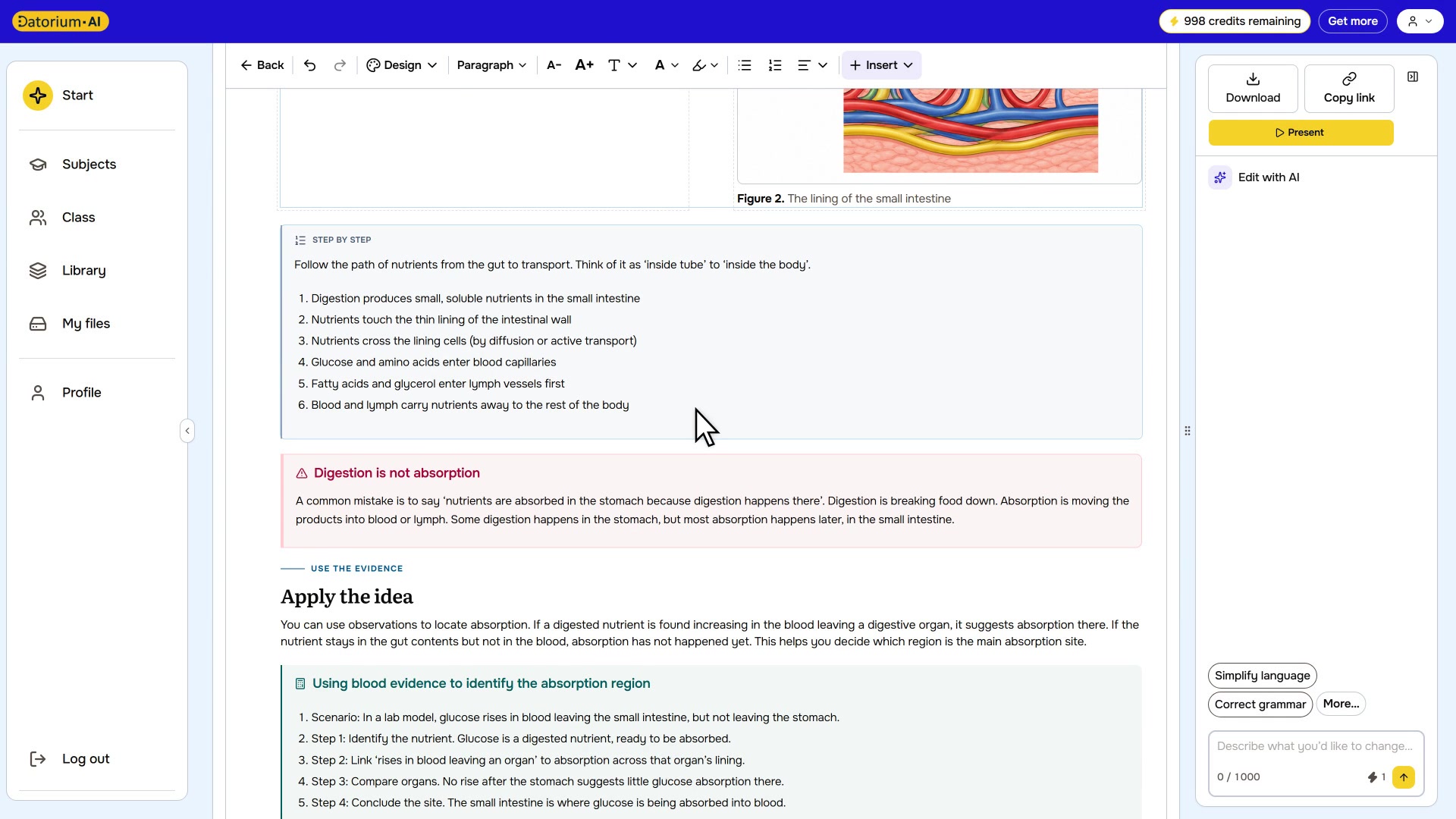
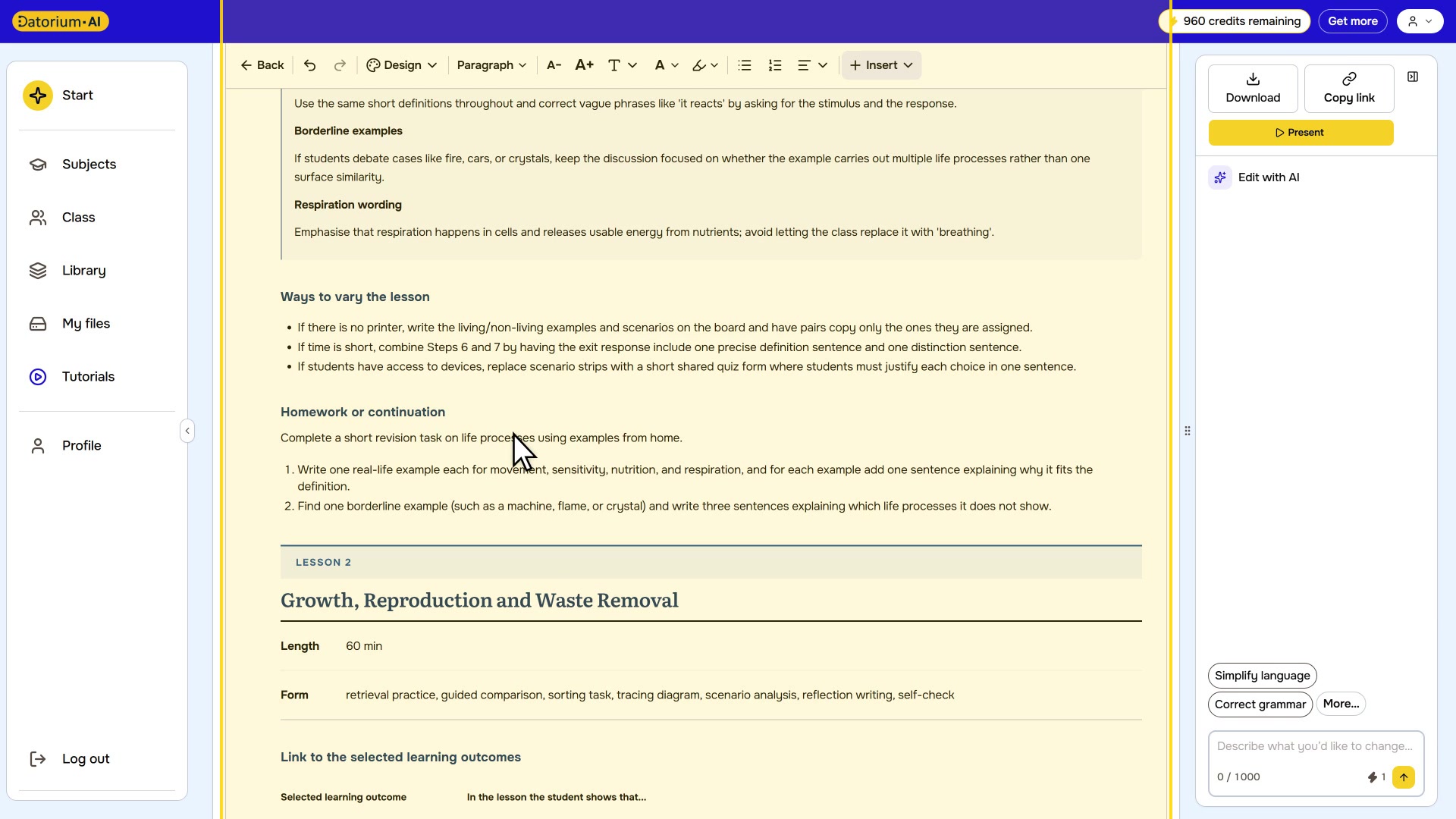
Edit text with the toolbar
1:26
Edit a resource with AI
1:48
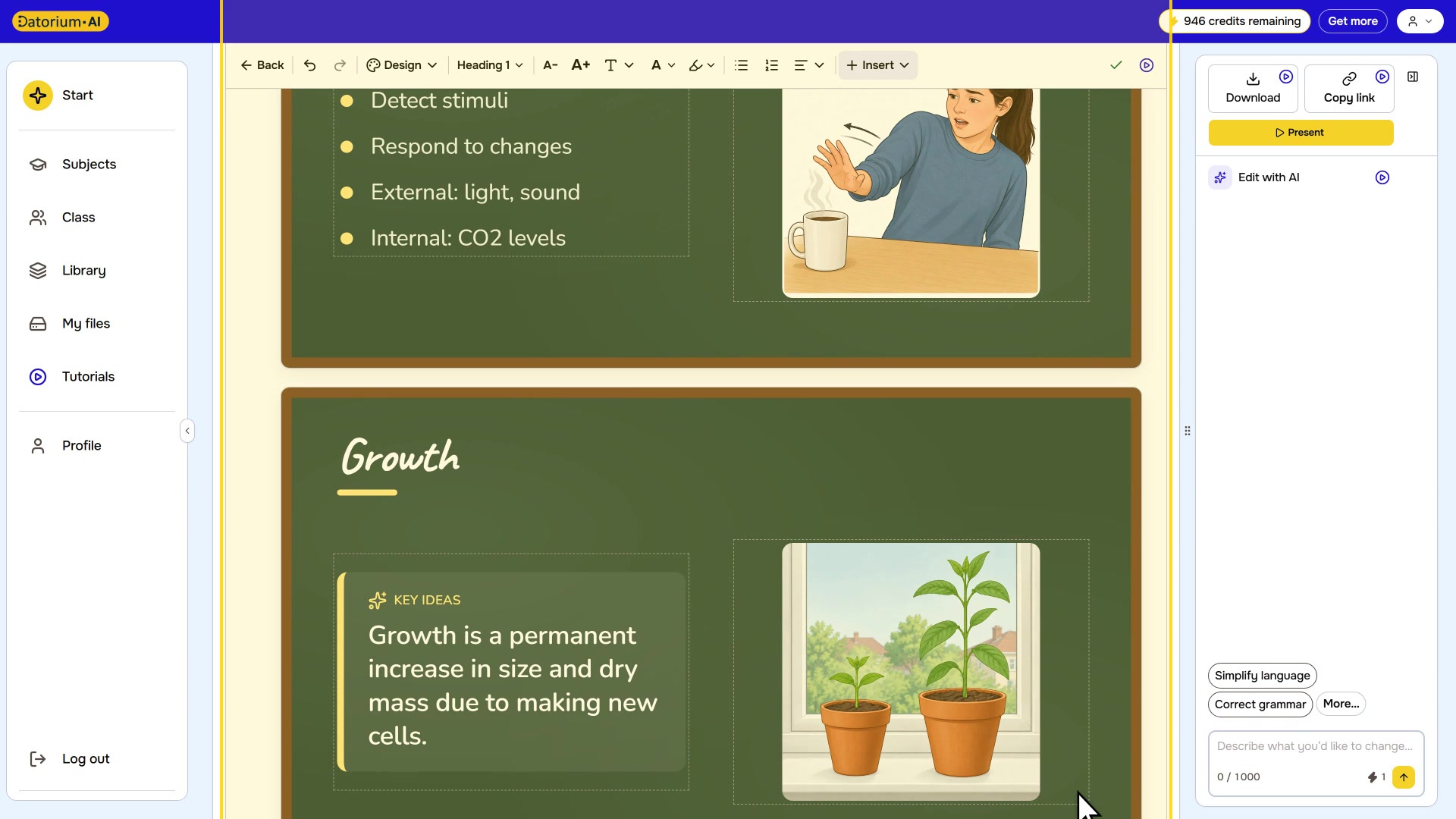
Add a picture or diagram made by AI
3:26
Create and edit a drawing

Download and print (2 tutorials)

0:40
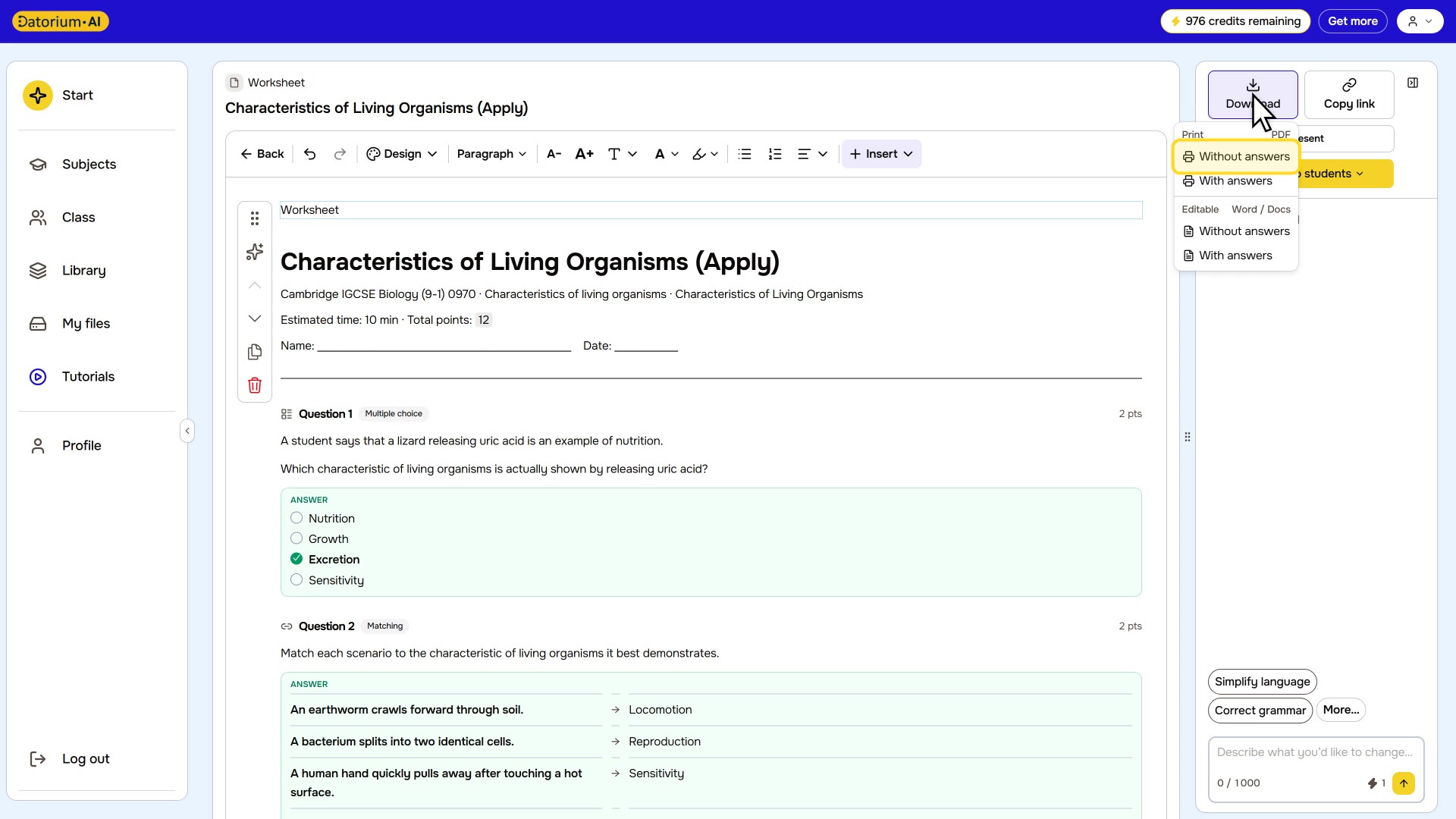
Download and print a resource
0:29
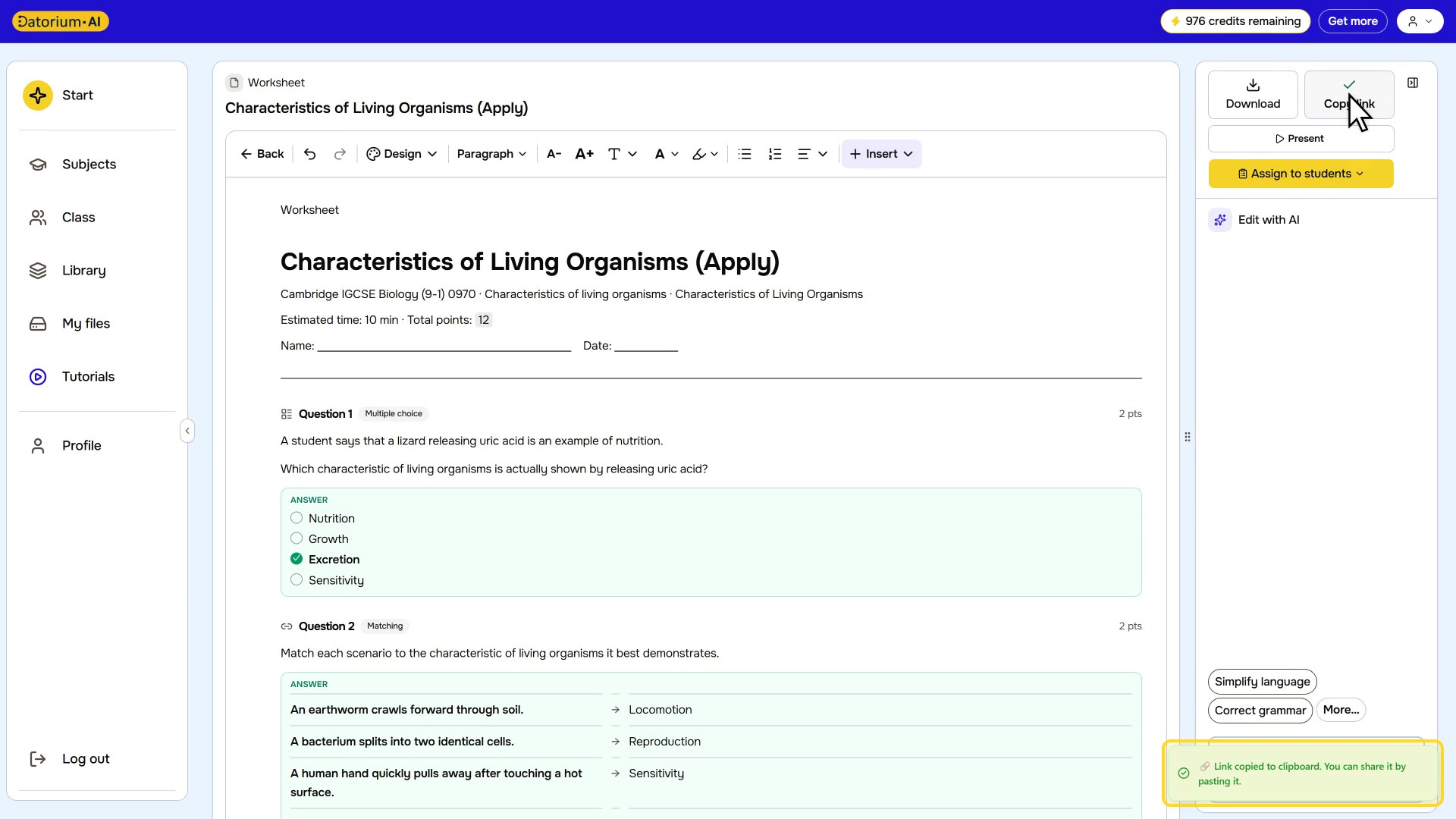
Share a resource with a colleague

Classes and assignments (2 tutorials)

0:49
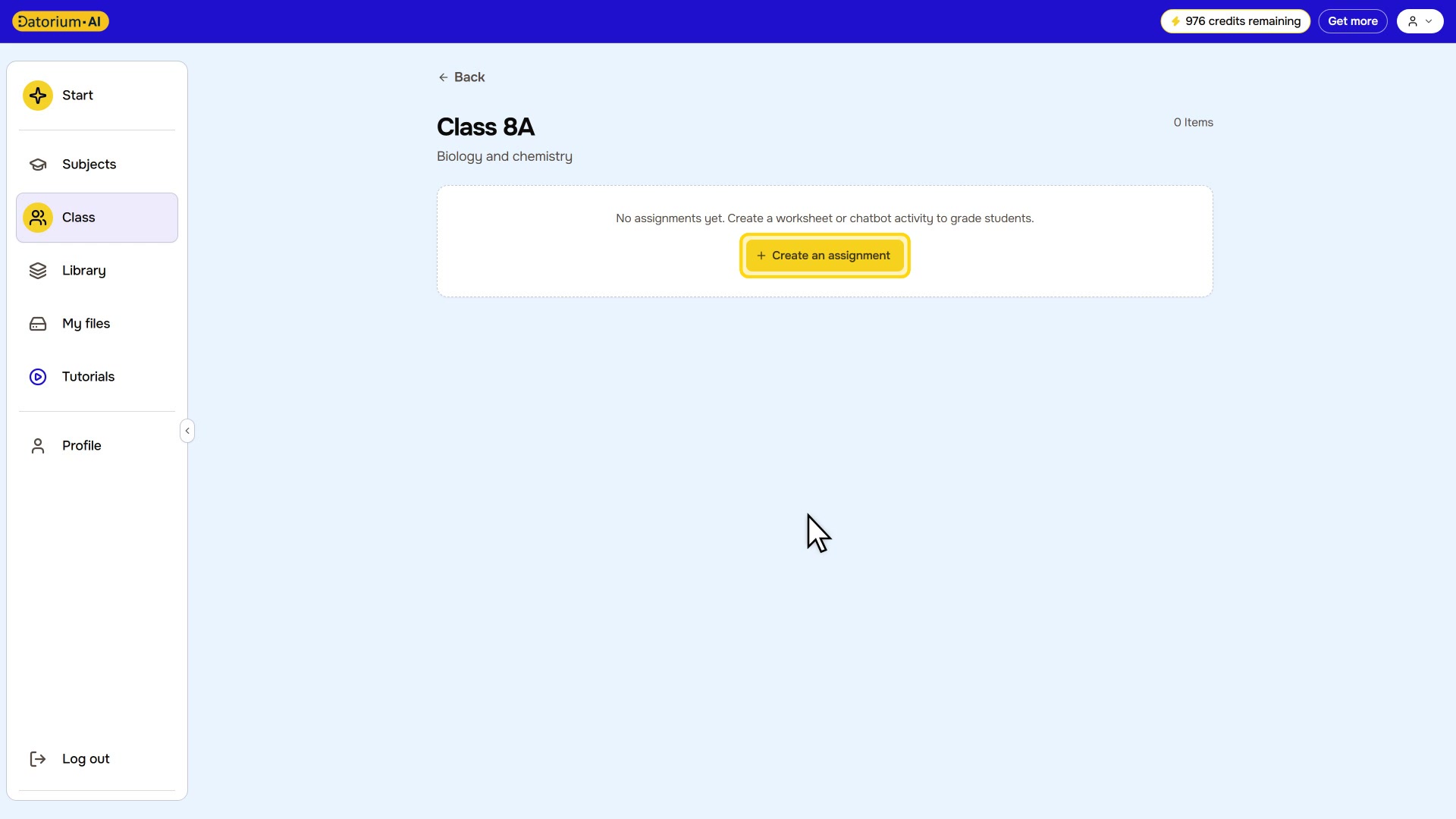
Create a class
1:59
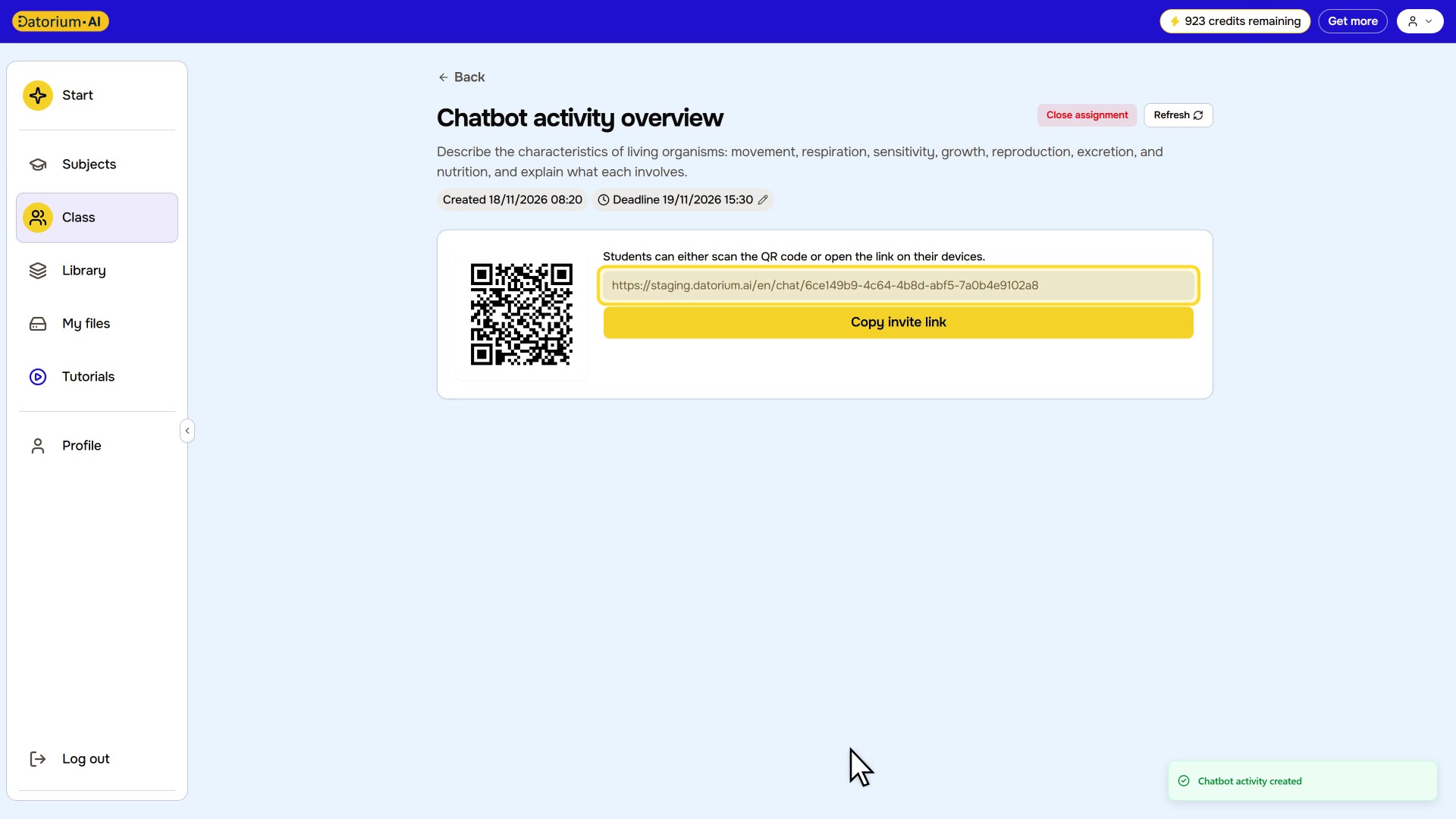
Create and assign a chatbot activity

Assessment (6 tutorials)

1:05
Create a worksheet
0:59
Check and change answers and points
2:04
Assign a worksheet digitally
0:57
Check and confirm the marking criteria
1:21
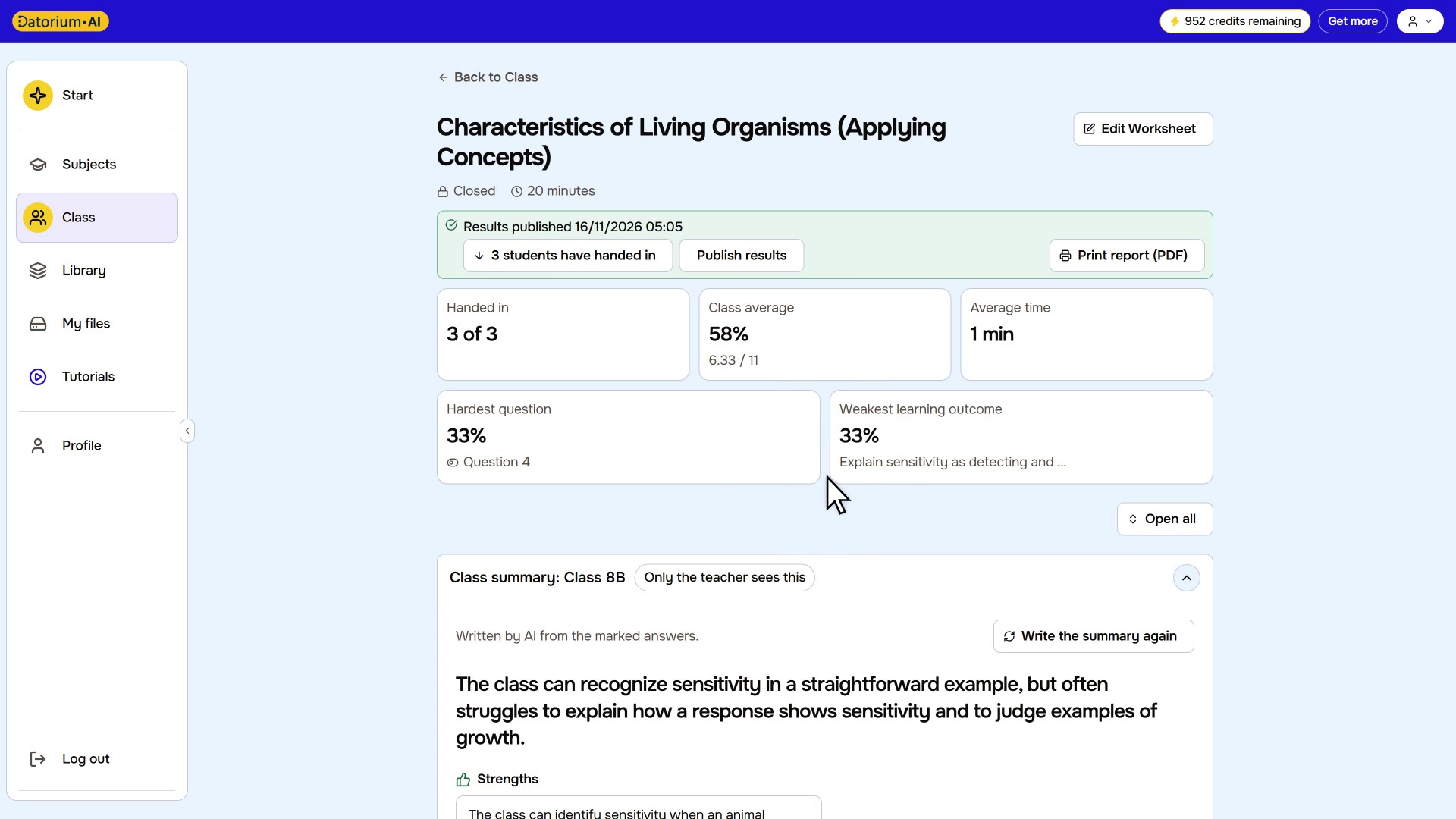
Mark a worksheet and publish the results
1:17
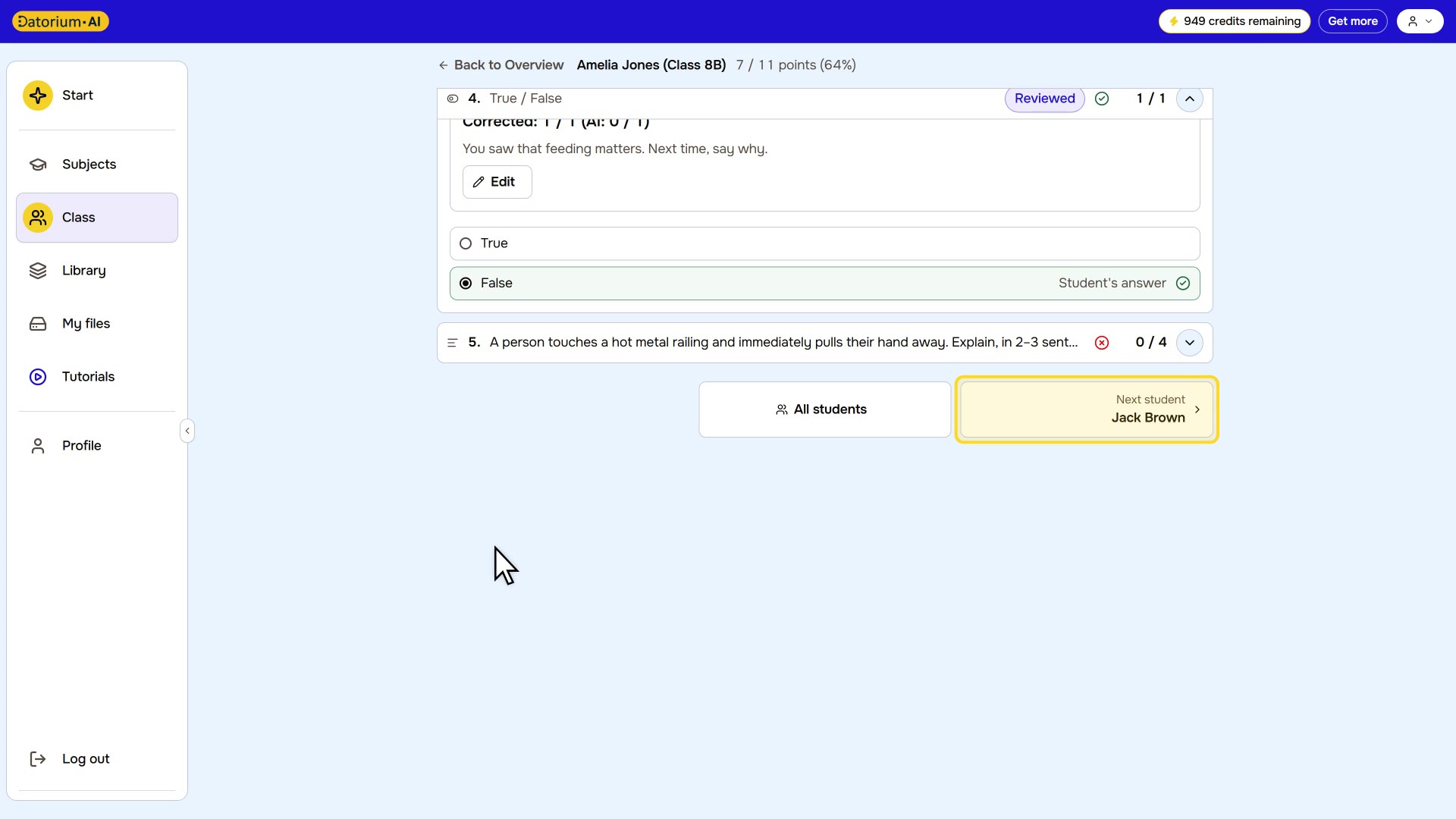
Review a pupil's answers and change a score